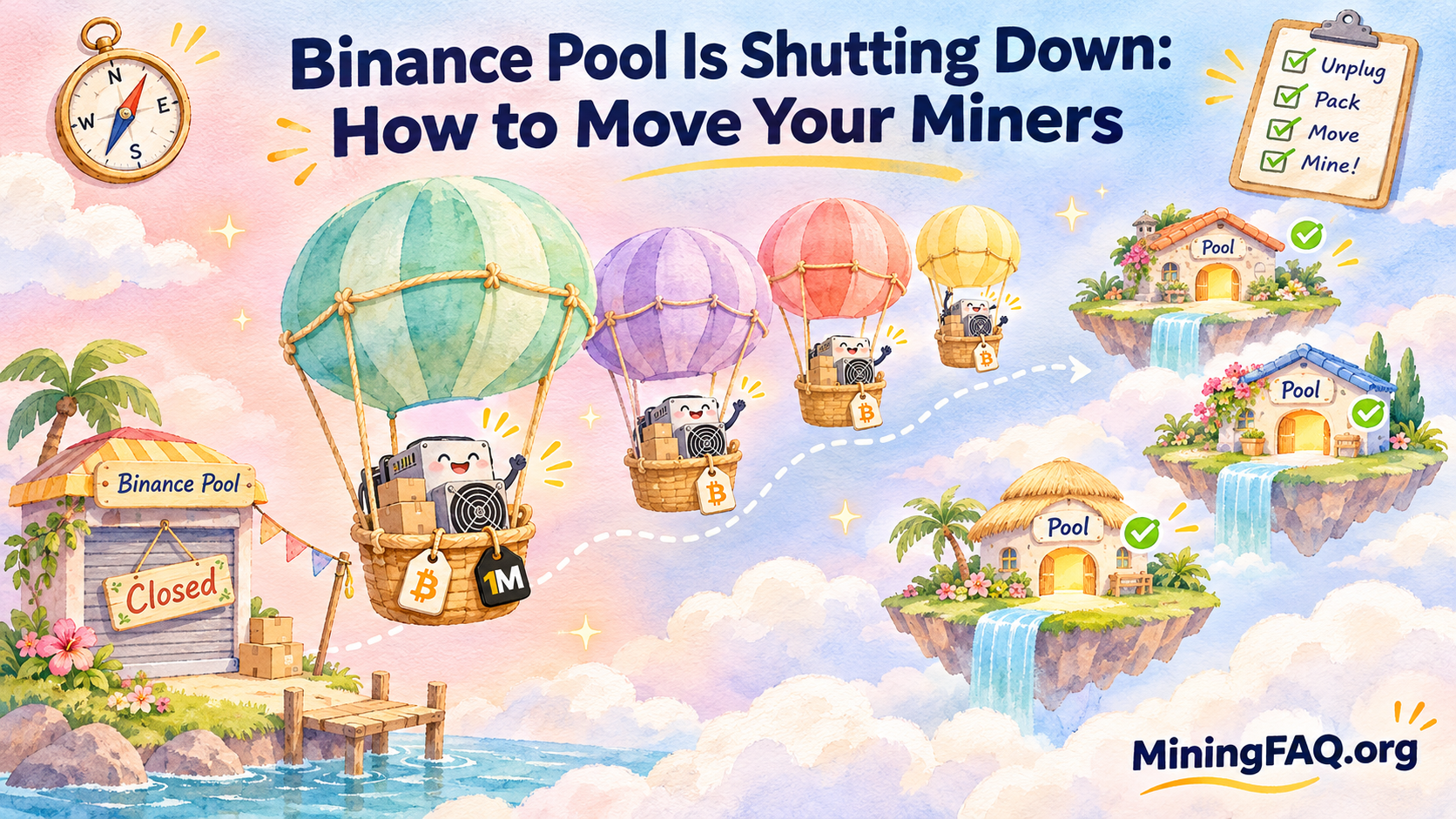
If your ASICs still point at Binance Pool, now is the time to act. On October 13, 2026, Binance announced it is closing Binance Pool along with several related products. On November 10, 2026, at 07:00 UTC, its mining endpoints switch off. Any shares your machines submit after that are not credited.
The good news is that changing pools is one of the easiest jobs in mining. It is a settings change, not a hardware change. The bad news is that people still get it wrong every time a pool closes: they forget a backup slot, mistype a worker name or leave a balance behind, and they lose days of revenue as a result.
This guide covers what Binance announced, the exact deadlines, a step-by-step migration checklist and, most importantly, how to choose a new pool you won’t regret. Along the way, I’ll share my honest take on what matters and what doesn’t.
Key Takeaways
- Binance Pool stops at 07:00 UTC on November 10, 2026. Shares submitted after that are not accepted or credited.
- Pool Savings, Cloud Mining and the Transaction Accelerator are closing too, along with hashrate alerts, email notifications and the mining pool API.
- Complete any required identity verification by 23:59 UTC on November 10 so remaining rewards and refunds can be processed.
- Pool history pages close for good at 07:00 UTC on November 24. Download your records before then.
- Update all three pool slots on every miner, test one machine first and confirm on the new pool’s dashboard.
- Choose a pool on payout method, reliability and transparency, not on fee alone.
What Binance Actually Announced
According to the official Binance notice on the closure of Binance Pool services, the shutdown covers more than the pool itself. As The Block reported, the following services end on November 10:
- Binance Pool (including Stratum URLs and mining endpoints)
- Pool Savings
- Cloud Mining
- Transaction Accelerator
- Telegram hashrate alerts, email notifications and mining pool API services
Binance described the move as part of “an ongoing review of its product suite.” The Block placed it alongside Binance’s push into traditional-finance-linked products and AI trading tools. Reading between the lines, mining simply isn’t where Binance sees its growth.
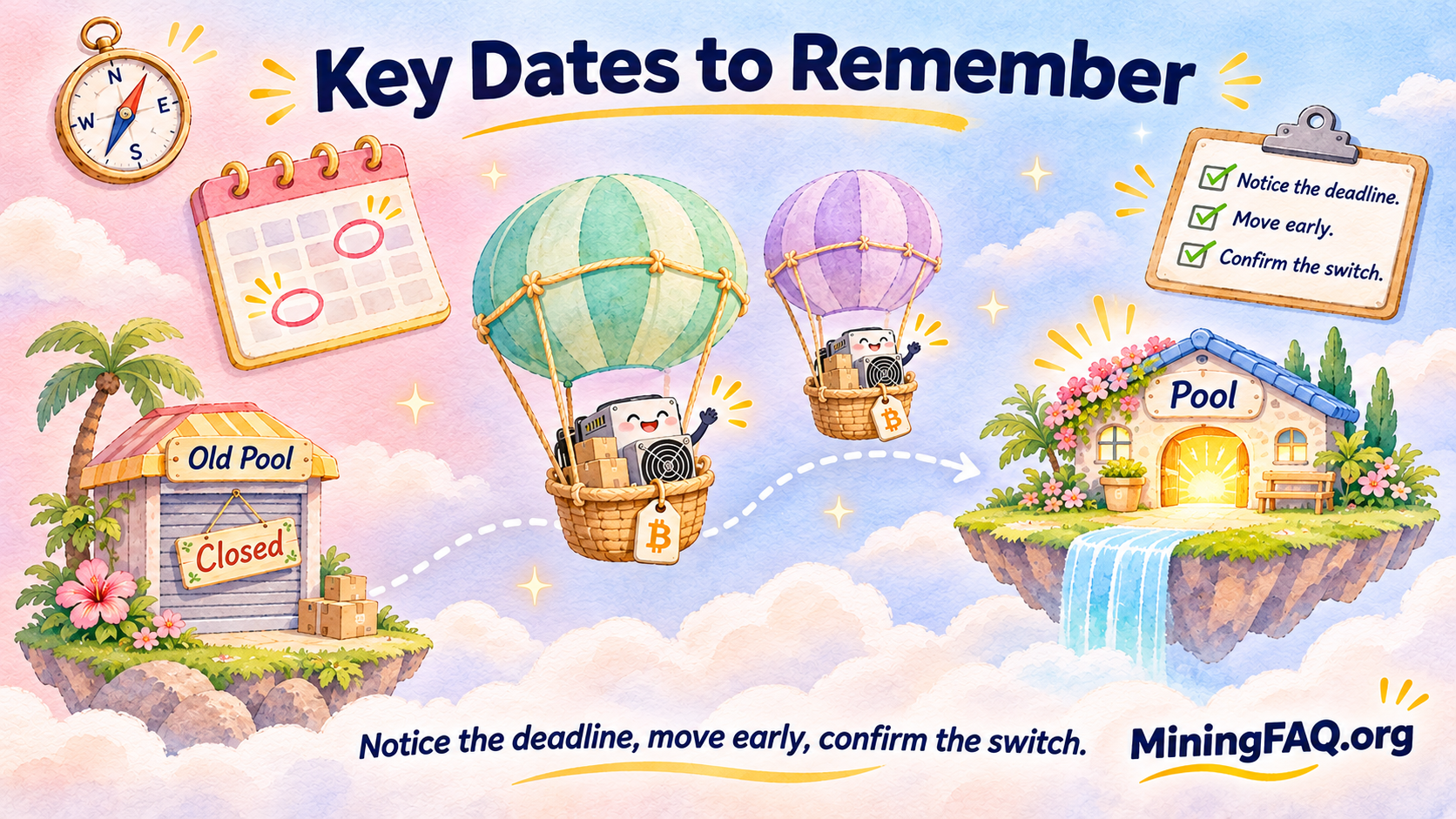
The Binance Pool Shutdown Timeline
| Date (UTC) | What happens | What you should do |
|---|---|---|
| October 13, 2026 | Closure announced | Start planning your move |
| Now to November 10, 07:00 | Pool still works | Move miners, redeem Pool Savings |
| November 10, 07:00 | Miners disconnected, endpoints disabled, shares no longer credited | Every machine should already be on a new pool |
| November 10, 23:59 | Deadline for required identity verification | Finish any account steps so payouts can be processed |
| From November 11 | Final rewards, balances and refunds processed | Check your Binance account for settlements |
| November 24, 07:00 | Binance Pool pages permanently closed | Download history and payout records before this |
If you are reading this in the Philippines, 07:00 UTC is 3:00 PM Manila time. In New York, it is 2:00 AM. Whatever your time zone, my advice is the same: don’t plan to switch on the last day.
How Big Was Binance Pool, and Does It Matter?
Binance Pool had already become a relatively small part of Bitcoin mining before announcing its closure. Crypto.news reported that it controlled about 26 EH/s, or 2.3% of network hashrate, in December 2025. By October 2026, its share had fallen significantly.
The decline has continued as the November 10 shutdown approaches. OneMiners’ final Binance Pool migration checklist recorded roughly 12 EH/s and 1.2% of recently mined blocks in the week ending October 26. By November 3, current seven-day block statistics showed Binance Pool at only around 0.2% of Bitcoin blocks.
That makes the shutdown relatively small from Bitcoin’s network-wide perspective. The remaining Binance hashrate is now only a fraction of total network hashrate, so miners moving elsewhere should not fundamentally change Bitcoin’s operation. What may change slightly is the distribution of hashrate among the surviving pools.
For an individual miner, however, the deadline still matters. After 07:00 UTC on November 10, Binance will disable its Stratum addresses and mining endpoints, and shares sent there will no longer be accepted or credited. What happens to the ASIC itself depends on its configuration: a miner with a valid backup pool may fail over automatically, while a machine with no working alternative could remain powered, repeatedly attempt to reconnect, or sit idle without producing credited shares.
That is why the safest approach is not simply to change the primary Binance address. Remove Binance from every configured pool slot and make sure each machine has a working primary pool and sensible backup configuration before the deadline.
My Take: Pool Closures Are a Reminder, Not a Crisis
Binance isn’t the first exchange to walk away from mining. OKX ended its pool services in 2024, and SBI Crypto shut its pool in July 2026. When a pool is a side business for a much bigger company, it can disappear with a single announcement. That’s not a reason to panic. It is a good reason to choose your next pool with a bit more care, and to make sure you can move quickly next time too.
Step-by-Step: How to Move Your Miners Off Binance Pool
OneMiners’ Binance Pool shutdown checklist and ViaBTC’s guide to moving to another mining pool both cover the core process. Here is a combined version.
1. Sort Your Tasks Into Two Lists
Separate the machine tasks (changing pool settings on each ASIC) from the account tasks (Pool Savings, balances, records and identity verification). These have different deadlines, and mixing them up is how things get missed.
2. Confirm Who Can Change Each Miner
- Miners at home or on your own site: you can change the settings yourself through each miner’s web dashboard.
- Hosted miners: your hosting provider usually has to make the change. Open a support ticket now and ask them to confirm it in writing.
- Binance Cloud Mining contracts: these can’t be redirected. Check your Binance account for how the remaining contract is settled.
3. Open an Account at Your New Pool
Create your account, then create a worker for each machine or group of machines. Copy the coin-specific stratum URL, port and worker format directly from the new pool’s official setup guide. Don’t copy them from a forum post or a chat group, because scam pool addresses do circulate during migrations.
4. Write Down Your Current Settings
Before you change anything, record each miner’s current pool entries, worker names and IP address. If something goes wrong, you can see exactly what was there before.
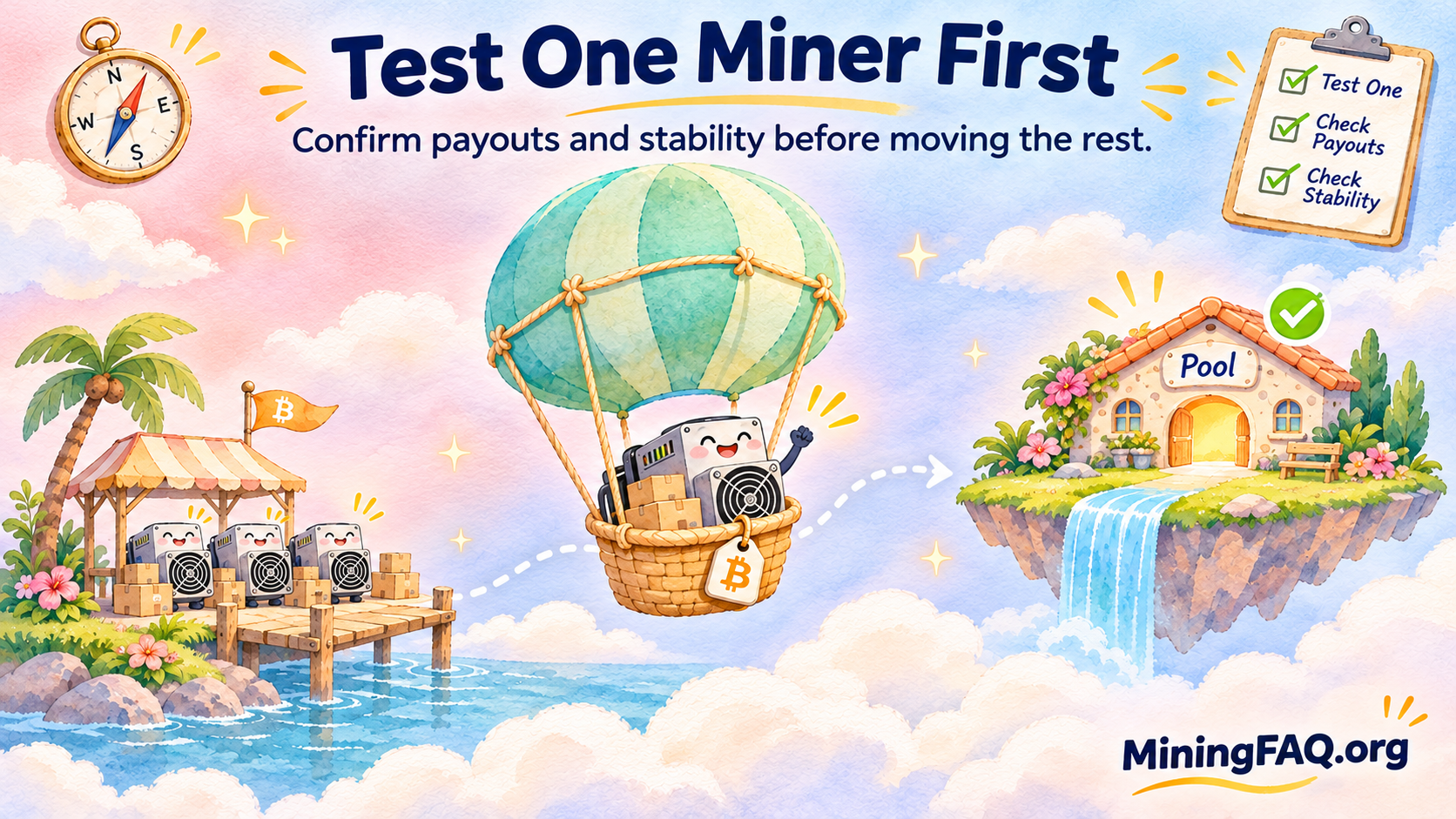
5. Test One Miner First
Log in to one machine and remove every Binance Pool address from its configured pool slots. Set your chosen new pool as the primary destination, then configure one or more working backup pools if your firmware supports them.
Do not simply copy the same dead or untested endpoint into every slot. The point of a backup is to give the ASIC somewhere else to send shares if its primary pool becomes unreachable.
Save the settings and allow the miner to reconnect. Once the worker appears correctly on the new pool, repeat the process across the rest of your fleet.
If you want additional resilience, consider using a different provider as one of your backup pools rather than three endpoints that all depend on the same pool operator.
6. Wait, Then Verify
Give it 10–30 minutes, then check your new pool’s dashboard. You want to see:
- The correct worker name showing as active
- Hashrate roughly matching what the miner reports
- Accepted shares, with few or no rejects
If a worker doesn’t appear, check for typos in the worker name before you touch anything else. It’s almost always a typo.
7. Roll Out to the Rest of Your Fleet
Once one machine works, move a small batch, check again and then move everything else. Keep a simple list of any machines that misbehave so you can fix them one by one.
8. Clear Out Your Binance Account
- Redeem or unsubscribe from Pool Savings before the service ends.
- Record any unpaid balance shown in your Binance Pool account.
- Finish any required identity verification by 23:59 UTC on November 10.
- Download your mining and payout history before November 24. You’ll want it for tax records, especially if you file your own returns.
9. Confirm Your First Payout
Accepted shares don’t prove your payouts are set up correctly. After the first settlement cycle, check your payout address, minimum payout threshold and withdrawal method on the new pool.
How to Pick a New Mining Pool
This is the part I’d spend the most time on. Moving miners takes an afternoon. Your next pool could be with you for years.

Understand the Payout Methods
| Payout method | How it generally works | Best suited for |
|---|---|---|
| FPPS — Full Pay Per Share | Pays miners for valid shares using expected block-subsidy revenue plus an estimated transaction-fee component, reducing exposure to the pool’s short-term block luck | Miners who prioritize predictable daily revenue |
| PPS+ | Usually pays the block-subsidy component per valid share while distributing transaction-fee revenue through a separate pool-specific calculation | Miners who want relatively stable subsidy revenue with fee participation |
| PPLNS — Pay Per Last N Shares | Rewards miners based on contributed shares when the pool actually finds blocks, so short-term payouts vary with pool luck | Miners comfortable with more variable payouts |
| TIDES | OCEAN’s share-accounting system, designed to distribute rewards directly from blocks and support non-custodial mining | Miners who prioritize direct payouts, miner choice and decentralization |
Exact reward calculations differ by pool, even when two pools use the same label. Always read the pool’s current payout documentation before switching.
If you are coming from Binance and prefer relatively predictable daily mining revenue, an FPPS or PPS+ pool will generally feel more familiar. If you are comfortable accepting block-to-block variance in exchange for a different fee structure or decentralization model, PPLNS or TIDES may be worth considering.
Compare Fees, but Don’t Choose on Fee Alone
Pool fees change, and special firmware or volume arrangements can make headline comparisons misleading. Current official information provides a few useful examples:
- F2Pool: 4% for Bitcoin FPPS or 2% for PPLNS.
- ViaBTC: 4% for PPS+ or 2% for PPLNS.
- Braiins Pool: 2.5% standard FPPS fee, with a 0% pool-fee option advertised when mining with Braiins OS.
- Luxor: its standard global Bitcoin Stratum currently lists a 2.5% discount to its FPPS rate.
For pools such as AntPool and OCEAN, check the current official pricing and payout documentation at the time you migrate rather than relying on an older comparison article.
The size of the difference should also be kept in perspective. As of November 3, spot Bitcoin hashprice is roughly $32.73 per PH/s per day. A 270 TH/s miner therefore represents about $8.84 per day in gross expected mining revenue before pool fees.
On that amount, the difference between a 2.5% fee and a 4% fee is about $0.13 per day, or roughly $48 per year, assuming mining conditions stayed unchanged. That matters, but reliability, stale-share rate, payout structure, minimum payout and operational support can matter just as much.
A slightly cheaper pool is not automatically better value if your workers suffer connection problems, payouts do not suit your cash flow, or the pool’s reward method exposes you to more variance than you expected.
What I’d Actually Look For
- Payout method that matches your cash flow. If you pay hosting or electricity bills monthly, FPPS or PPS+ is easier to budget around.
- Track record and stability. A pool that’s been around for years and focuses on mining is less likely to vanish with a two-month notice.
- 3. Check the minimum payout and withdrawal options. Thresholds vary widely between pools. A large miner may barely notice the difference, while a smaller miner can wait much longer for a payout if the minimum is high. Also check whether the pool supports Lightning, customizable thresholds or only on-chain payments.
- Server locations near your miners. Lower latency means fewer stale shares.
- Transparent dashboards. You should be able to see each worker’s hashrate, accepted and rejected shares and earnings clearly.
- 6. Consider mining-pool concentration. As of November 3, Foundry, AntPool and F2Pool together accounted for roughly 63% of recently mined Bitcoin blocks. If decentralization matters to you, smaller pools such as OCEAN and Braiins are worth evaluating alongside the larger FPPS operators. Compare not only size, but also payout architecture, block-template control and reliability.
- KYC requirements. Some pools require identity verification and some don’t. Know which you’re signing up for.
My Honest Recommendation
If you want the closest thing to the Binance experience with the least hassle, choose a large, established FPPS pool, put a different pool in your backup slot and get on with your life. If you care about Bitcoin’s decentralization and are comfortable with slightly lumpier payouts, a smaller pool like OCEAN or Braiins is a genuinely good choice, not just an ideological one.
If you operate a larger fleet, spreading some hashrate across more than one pool can reduce your dependence on a single operator. It is not completely cost-free—multiple pools can mean separate payout thresholds, dashboards and accounting records—but it can reduce the operational impact if one provider suffers an outage, changes its terms or eventually shuts down. Even if you prefer to mine primarily with one pool, having a properly tested backup pool configured is a sensible precaution.
If Your Miners Are Hosted
If your ASICs are in a hosting facility, check how much control your provider gives you before opening a support ticket. Some hosts make pool changes for customers, while others provide direct remote controls.
OneMiners is particularly relevant in this situation because pool management is available through its hosting platform. Its Binance Pool shutdown checklist specifically recommends removing Binance from every pool slot and confirming the replacement pool before November 10. OneMiners also includes management services with its hosted sites, so customers who prefer assistance can ask the support team to handle or verify the migration.
For miners who want more direct control, the OneMiners app provides live worker monitoring and remote ASIC controls. Its Worker Details interface currently supports viewing hashrate, temperatures, fan speeds and pool settings, as well as remotely restarting, powering units on or off and adjusting pool settings.
Cassy Soriano’s Medium walkthrough, OneMiners App Explained: A Tour of the New Miner Interface, is also useful if you want to see how the interface is organized.
That combination is especially useful during a pool shutdown. Instead of physically visiting a mining site, a hosted miner can monitor worker status remotely, change or confirm pool settings, and verify that each ASIC has returned to normal hashrate after the migration.
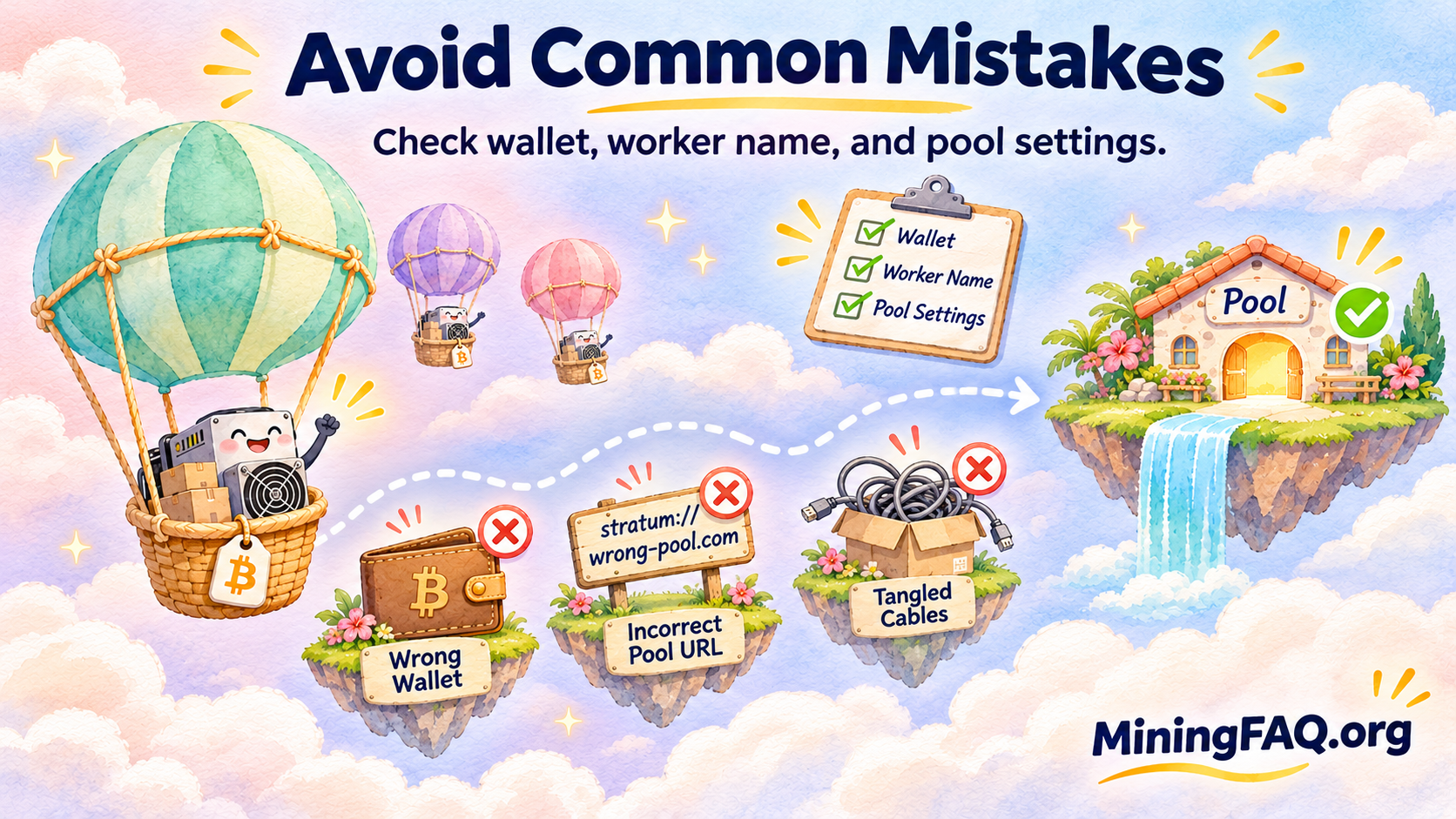
Common Mistakes to Avoid
- Forgetting the backup slots. Remove every Binance address from slots 1, 2 and 3.
- Waiting until November 10. Leave time to fix problems.
- Typos in worker names. This is the most common reason a worker doesn’t show up.
- Leaving money in Pool Savings. Redeem it before the service ends.
- Not saving your records. Pool history disappears on November 24.
- Using setup details from unofficial sources. Always copy stratum URLs from the pool’s official documentation.
Frequently Asked Questions
When exactly does Binance Pool shut down? At 07:00 UTC on November 10, 2026. Shares submitted after that time are not credited.
What happens if my miner is still configured for Binance after the deadline? Binance will stop accepting shares at 07:00 UTC on November 10. If the ASIC has a working backup pool configured, it may automatically fail over. If it has no valid alternative, it may remain powered or repeatedly attempt to reconnect without generating credited mining shares. Remove Binance from every configured pool slot before the cutoff and confirm that your replacement pool is working.
Will I lose my unpaid Binance Pool balance? Binance says eligible outstanding rewards, balances and refunds will be processed after the shutdown, subject to its product rules and account checks. Complete any required verification by 23:59 UTC on November 10.
Do I need new hardware to switch pools? No. Switching pools is just a settings change in your miner’s dashboard.
Which pool is best after Binance Pool? There is no universal winner. Large FPPS pools can provide predictable payouts, while smaller pools such as OCEAN and Braiins may appeal to miners who place more weight on decentralization, payout architecture or block-template control. Compare the current payout method, fee, minimum payout, server connectivity, KYC requirements and track record before moving your fleet.
How long until my miner shows up on the new pool? Usually 10–30 minutes. If it doesn’t appear, check the worker name for typos first.
The Bottom Line
Binance Pool’s closure is a small event for the Bitcoin network and a manageable one for miners, as long as you act before November 10. Move one miner, check that it works, then move the rest. Clear out Pool Savings, finish any verification and download your records before November 24.
Then take the opportunity to choose a pool deliberately. Pick a payout method that fits your cash flow, a pool with a solid track record and a separate backup pool. The few minutes you spend now will save you a scramble the next time a pool decides mining isn’t for them anymore.
Want to see how pool fees and payout methods affect your earnings? Use the MiningFAQ Profitability Calculator to compare your setup across different pools and power rates.
This article is for educational purposes only and is not financial advice. Pool fees, payout terms and Binance’s processing rules may change. Always confirm details on official pool and Binance pages before acting.